


HitClic
Motion-sensing MoveStick joystick
Motion-sensing MoveStick joystick
5.0 / 5.0
(2) 2 total reviews
Couldn't load pickup availability
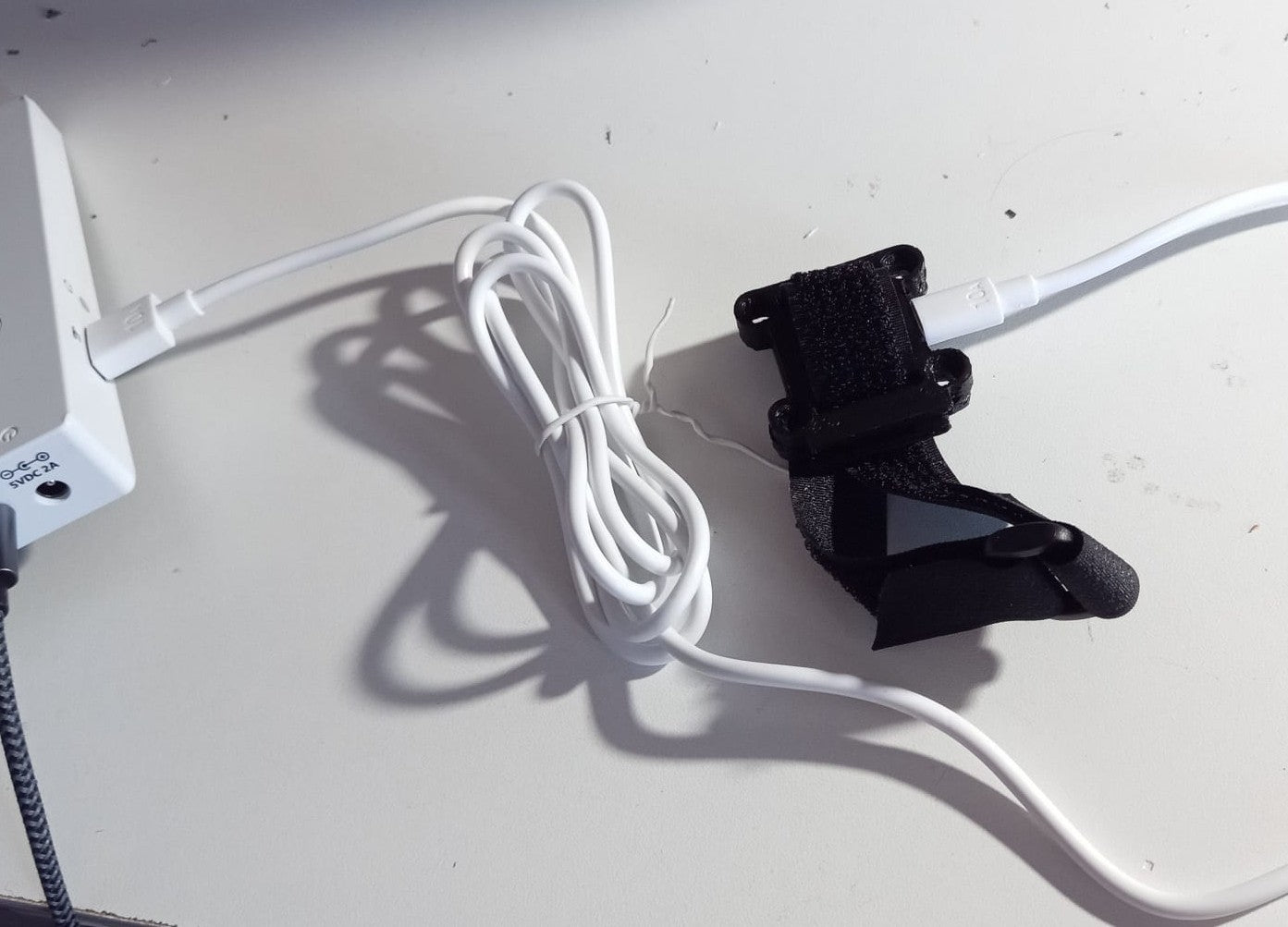
Hitclic presents the gyroscopic joystick , a motion-detecting joystick. The tilt movements of the joystick are transformed into a controller joystick signal.
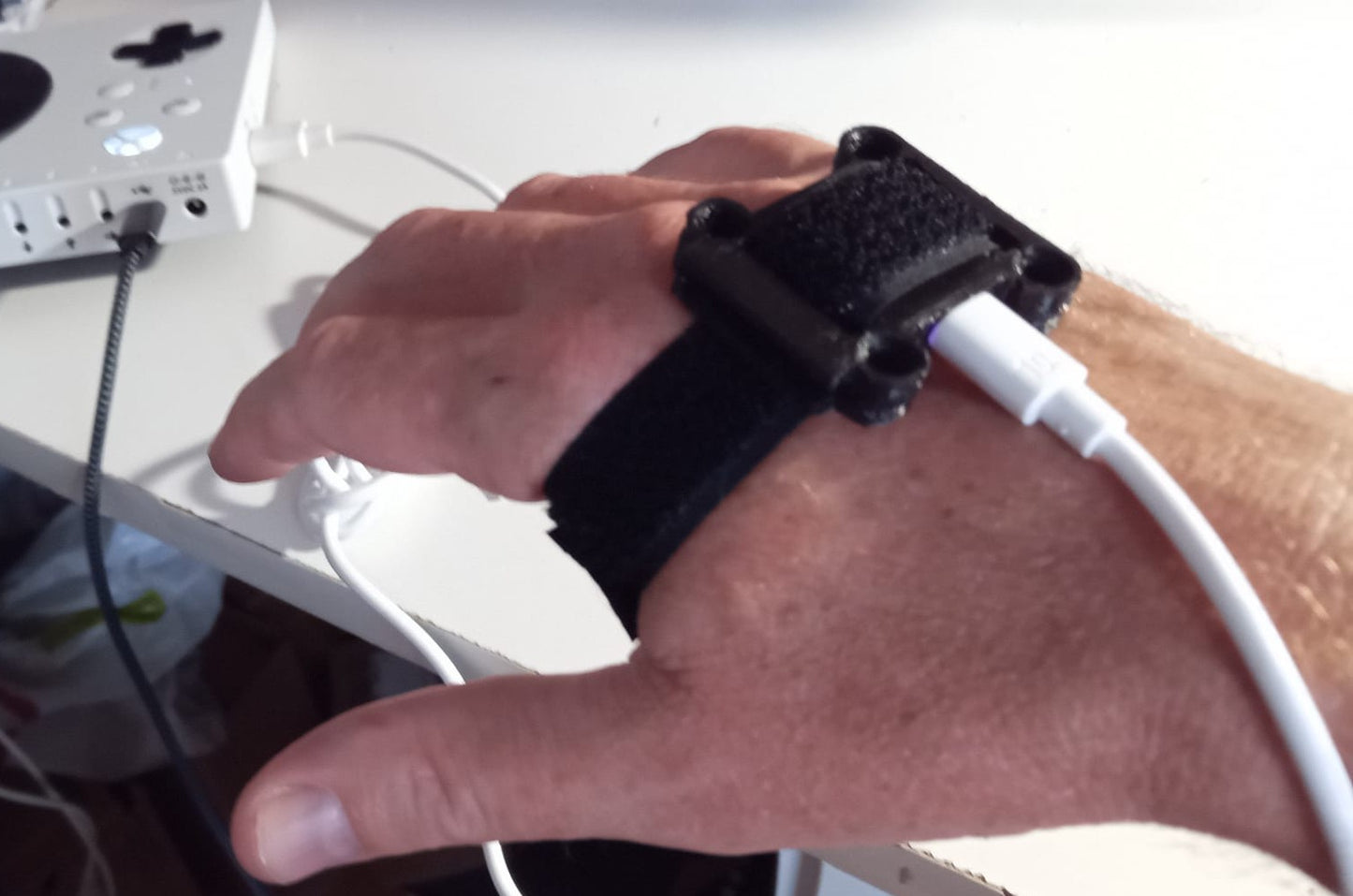
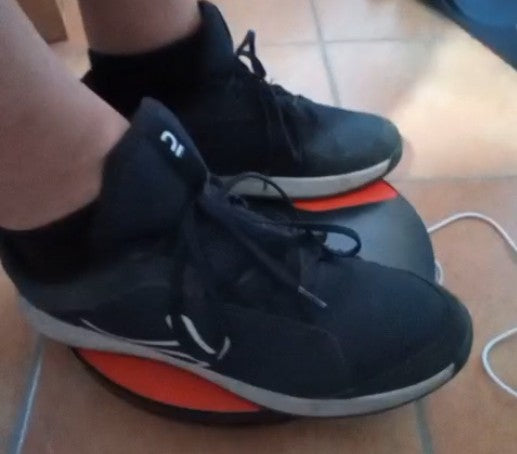
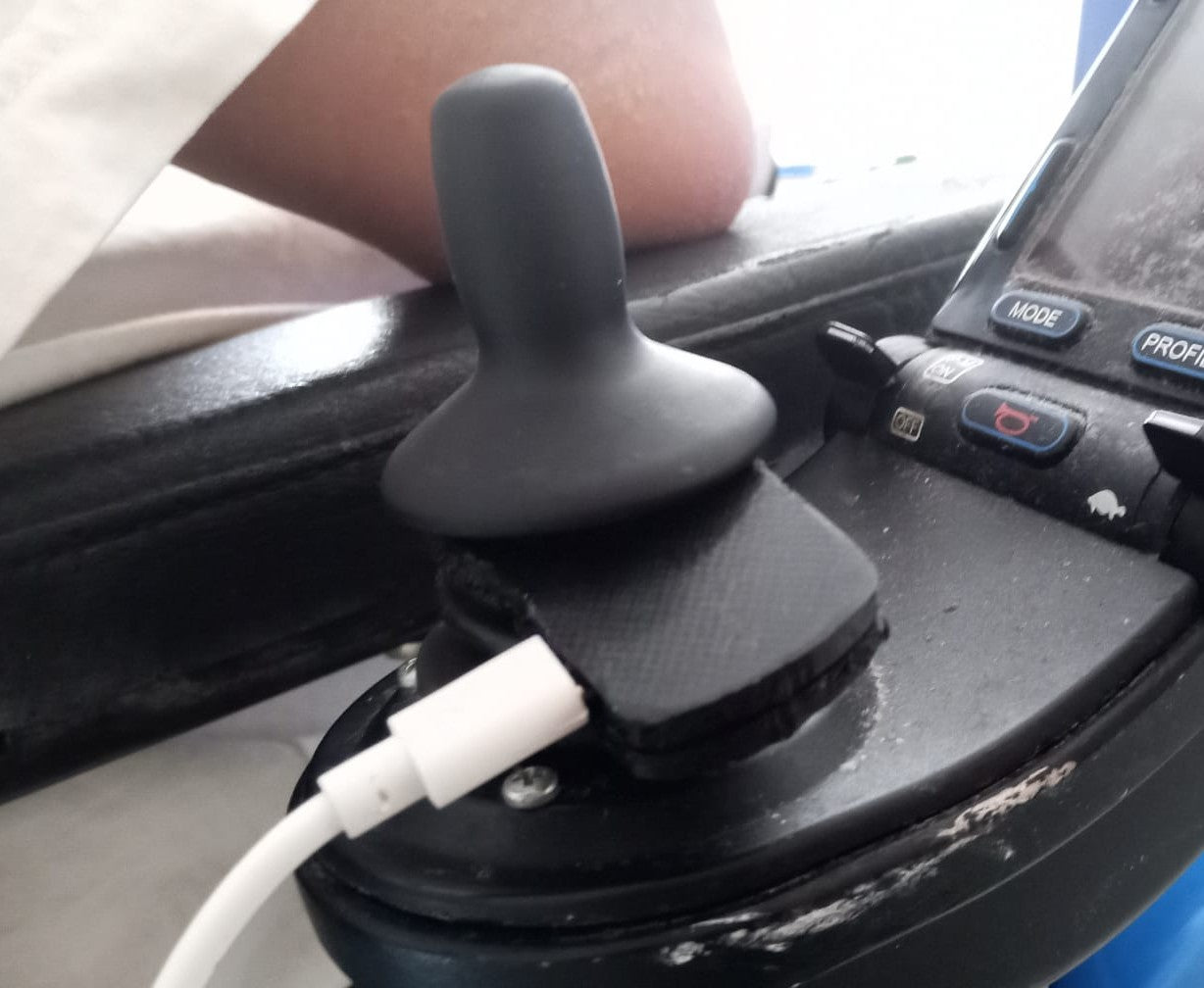
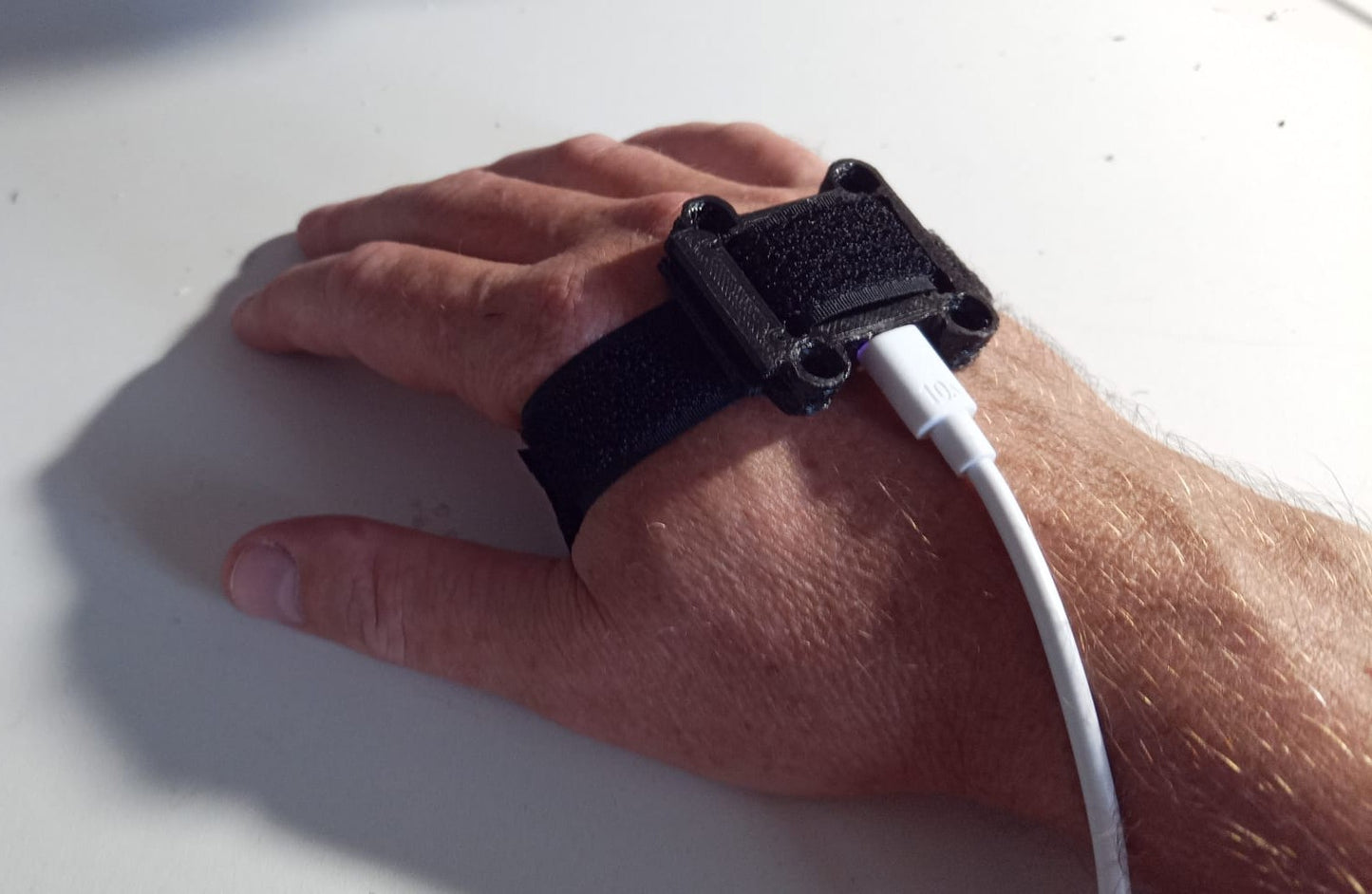
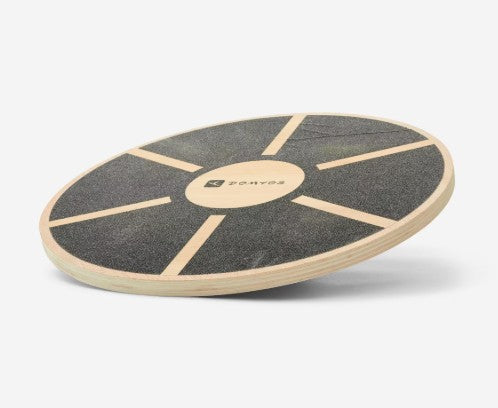
This fully customizable system can be used in an infinite number of ways: move your hand, tilt your head, use the joystick of the wheelchair, tilt a board with your feet, it's up to you to invent your way of controlling any video game.
Thanks to the configuration program, this system is compatible with Xbox Adaptive Controller and Hori Flex Controller, therefore any console and PC.
This project was designed based on the HID Remapper project , an open-source project therefore fully published and free to use. The additional features were developed by Valentin Squirelo , the designer of Playability . In fact, Valentin and I agreed to maintain the spirit of the original project, and this version is also available for free. At the bottom of the page, you will find all the necessary links to create this product yourself, as well as a simplified procedure to get started quickly :)
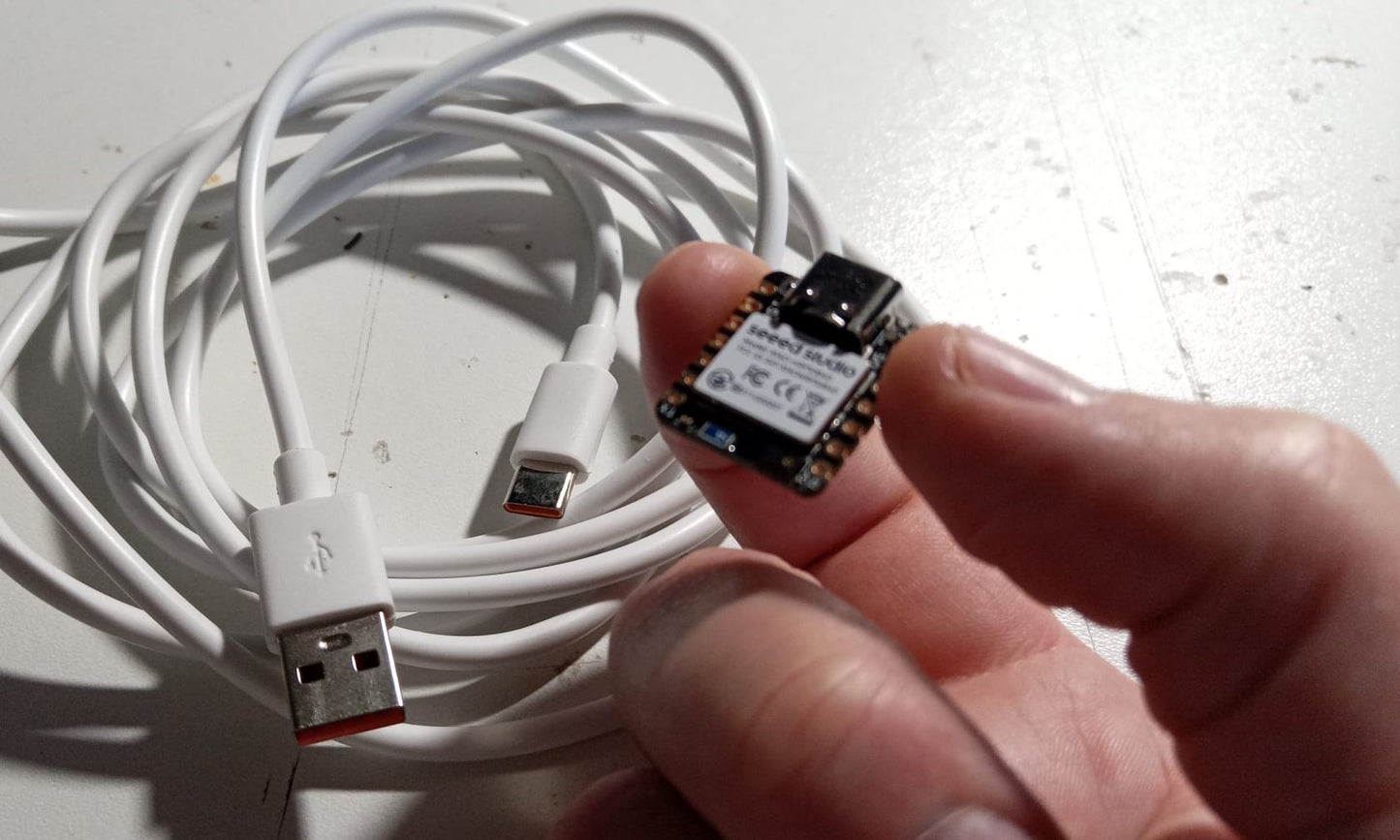
So you have a choice: order your Xiao Seed BLE Sense chip already programmed, accompanied by its USB cable, or order the MoveStick in its small protective case, ready to attach to the hand thanks to the Velcro, you can also order a joystick cap, a balance board (proprioception board), or a mount for your electric wheelchair joystick.
Feel free to contact us with any other ideas for use, we'll help you!
____________________________
All the project links to get you started with the design:
Project sources:
https://github.com/playAbilityTech/MoveStick/releases/latest/
The configuration tool: HID Remapper Configuration
To purchase your SIM card: XIAO BLE card nRF52840 Sense 102010469 - Gotronic
USB-C cord type: 1 m USBC-1M cord - Gotronic
To buy your accessories:
Balance board: https://amzn.eu/d/hgvACrb
Cap: Amazon.fr: cap
____________________________
A quick guide to setting up your MoveStick:
1/ Buy the XIAO BLE Sense nRF52840 chip
2/ Buy your USB-C cable
3/ Download the firmware " remapper_seeed_xiao_nrf52840_sense.uf2 " from the GitHub project page above
4/ Plug the XIAO BLE Sense chip into your PC and double-click the tiny RESET button. A "disk" should open on your PC.
5/ Moves the firmware file .uf2 directly into the chip's memory.
6/ Open the configuration tool mentioned above, select "Open Device" to connect your MoveStick
7/ In the "Examples" tab, choose "IMU Switch Gamepad" and then click on "Save to device".
It's over!!
When you plug your MoveStick into the left USB port of your Xbox Adaptive Controller, for example, you have to wait 3 seconds for the positioning to be initialized.
Don't hesitate to check its functionality on Gamepad Tester - Check Controllers and Joysticks Online
Share
incroyable ça marche tout seul il suffit de le brancher sur le xbox controller.
Quelle solution avez-vous pour simuler le clic , et autres fonctionnalités d’une souris
Bonjour Henry, on peut activer un clic par exemple avec une petite tape sur le systeme. un petit coup et ça clique. on peut aussi connecter des boutons si c'est plus simple. Pour le moment on l'a testé en mode gaming pour Xbox adaptive controller, mais il est facile de le programmer en souris.